Resources + shop
Start with the stream moment you repeat most often.
Use this page to compare crates, understand the right starting point and move directly into the WooCommerce shop.
Choose by the gap in the current setup.
The best first purchase is the one that removes the visual inconsistency viewers see most often.
The live frame
Begin with Overlay Crate when gameplay, camera and chat currently feel disconnected.
OVERLAYCommunity events
Begin with Alert Pack when default widgets break the channel identity during key moments.
ALERTSThe full sequence
Choose Scene Collection or Starter Bundle when every program state needs to be rebuilt together.
SCENESExplore every
StreamCrate drop.
Each product includes a complete description, a short what-is-included list and a local demonstration download for checkout testing.
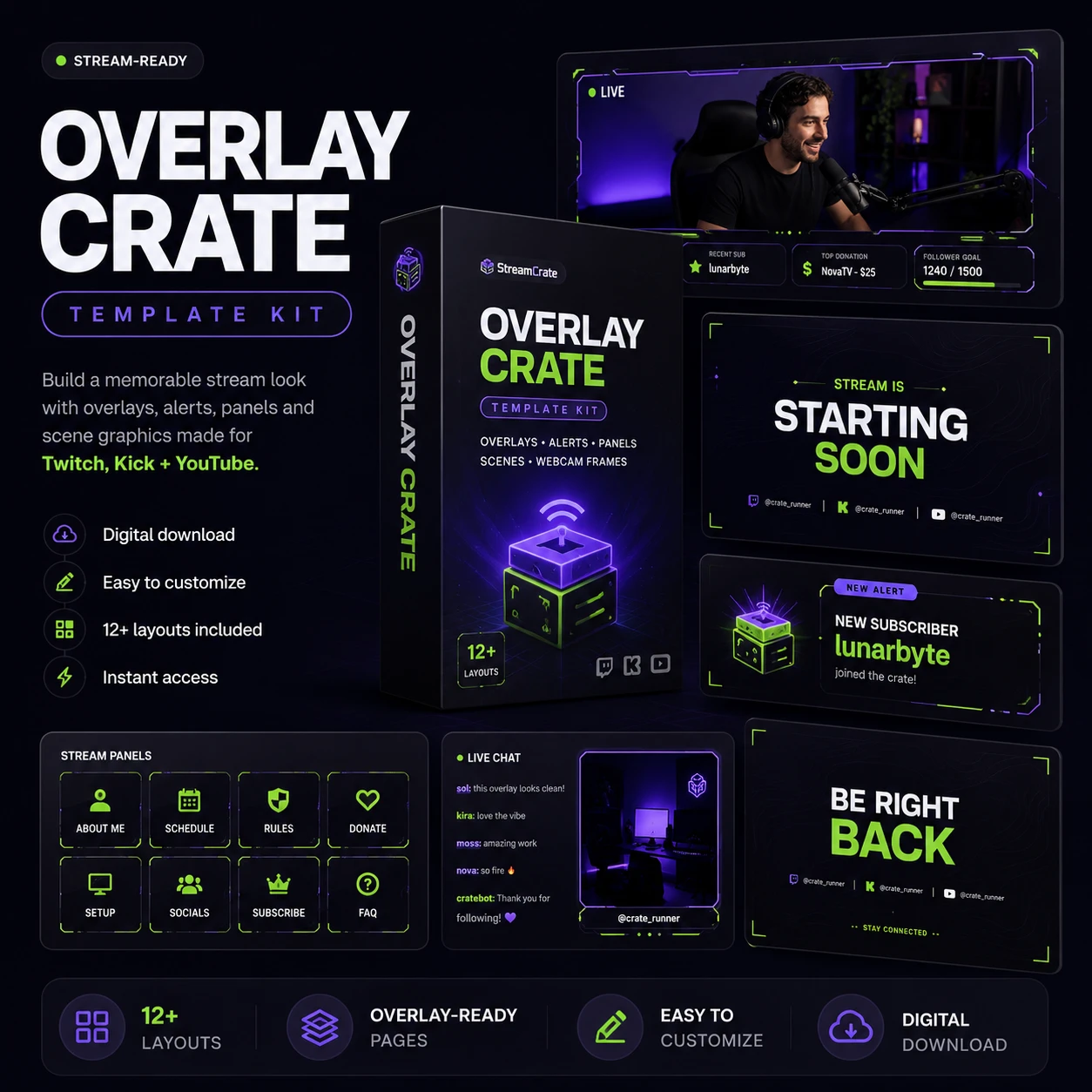 OVERLAY / 01
- Gameplay + camera layouts
- Editable source files
- OBS setup guide
A complete on-screen frame system for gameplay, camera-led streams and flexible scene layouts.
Add to cart+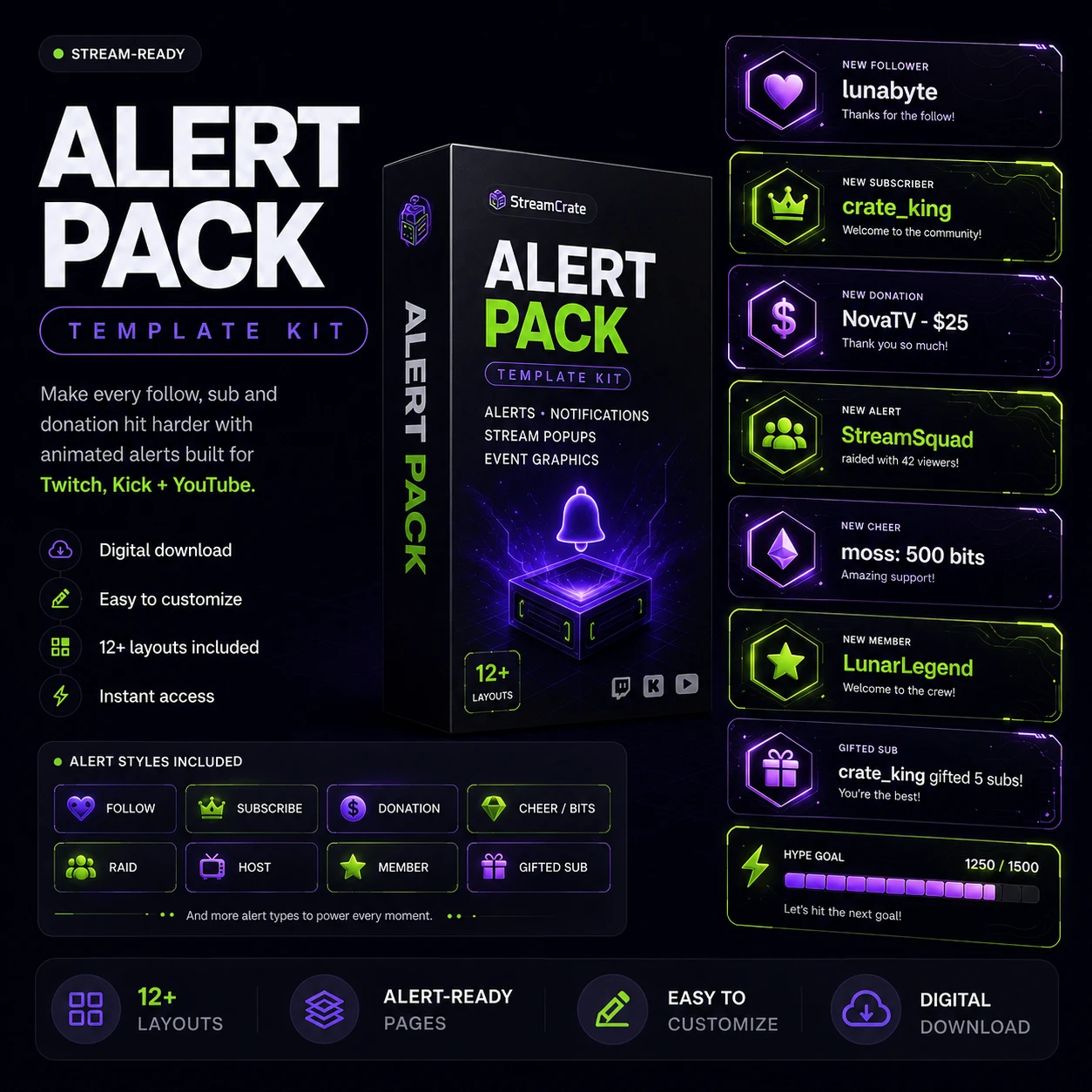 ALERT / 02
- Core event alert set
- Sound-safe variants
- Install + timing notes
Coordinated follow, subscriber, tip and raid alerts that feel built into the broadcast.
Add to cart+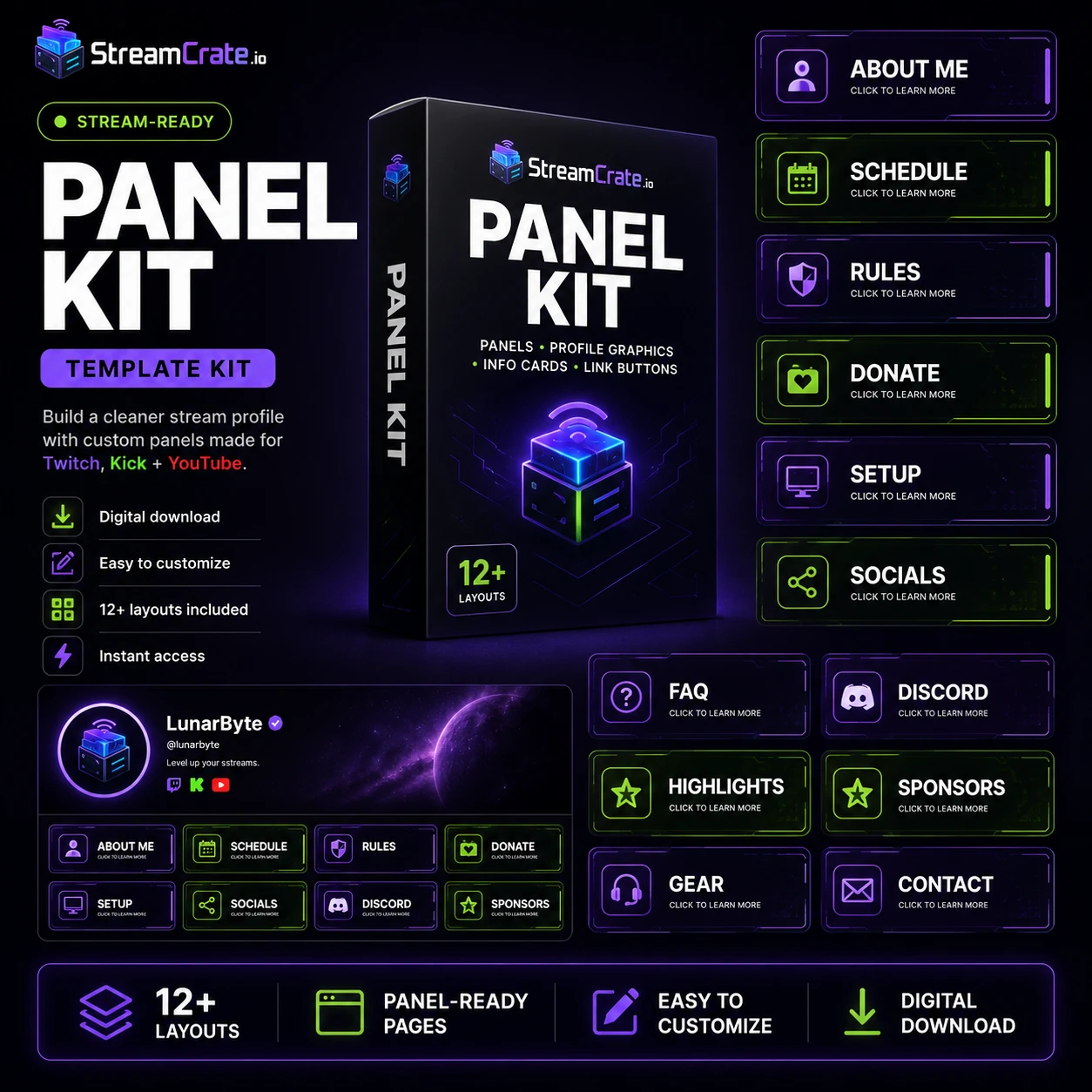 PANEL / 03
- Essential panel set
- Editable labels
- Light + dark exports
A practical set of channel panels that carries the stream identity below the live player.
Add to cart+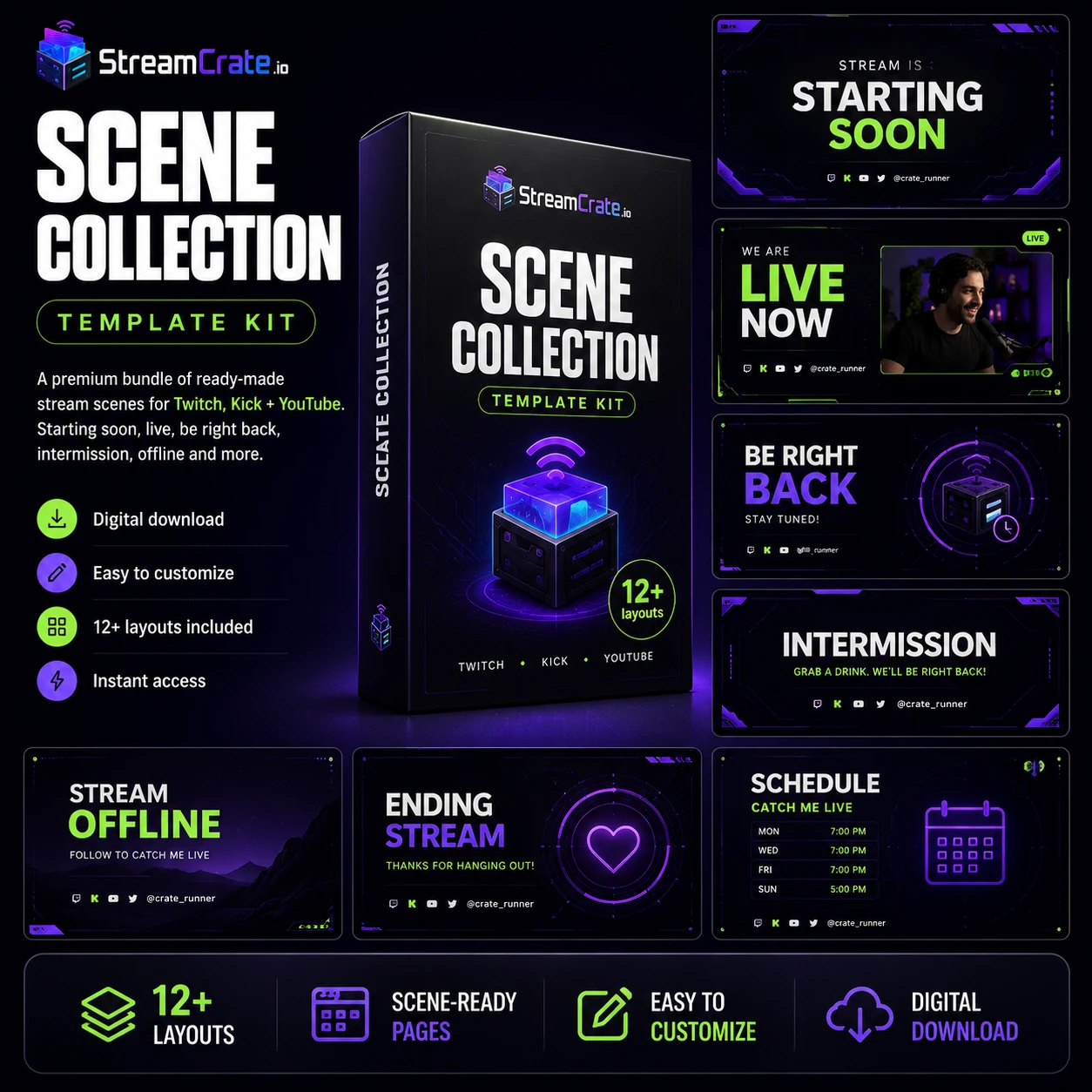 SCENE / 04
- Five core stream scenes
- Static + motion-ready files
- Resolution setup notes
A coordinated scene sequence for the time before, during and after the live broadcast.
Add to cart+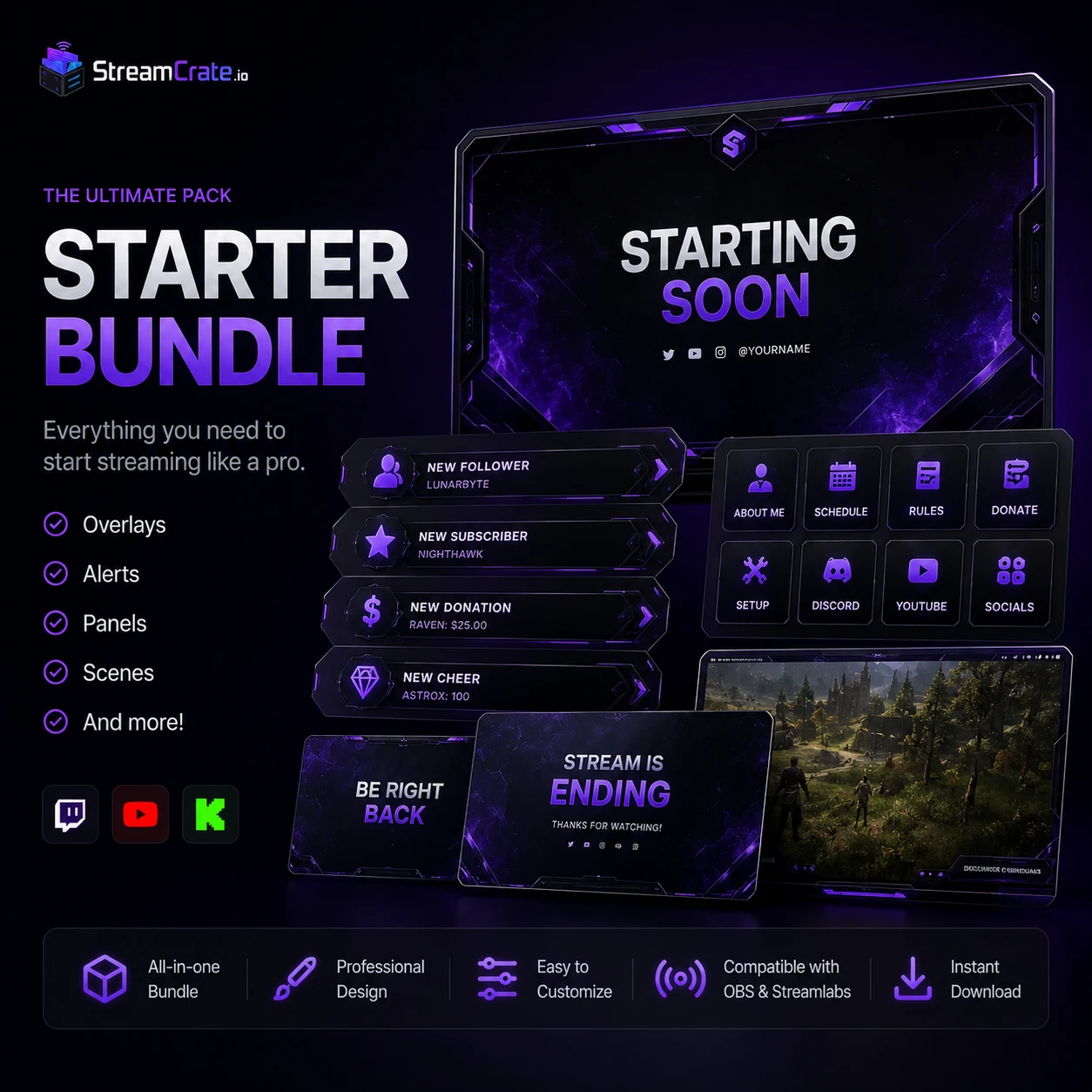 BUNDLE / 05
- Overlay + alert systems
- Panels + core scenes
- Complete setup guide
The connected StreamCrate system: overlays, alerts, panels and the essential scene collection.
Add to cart+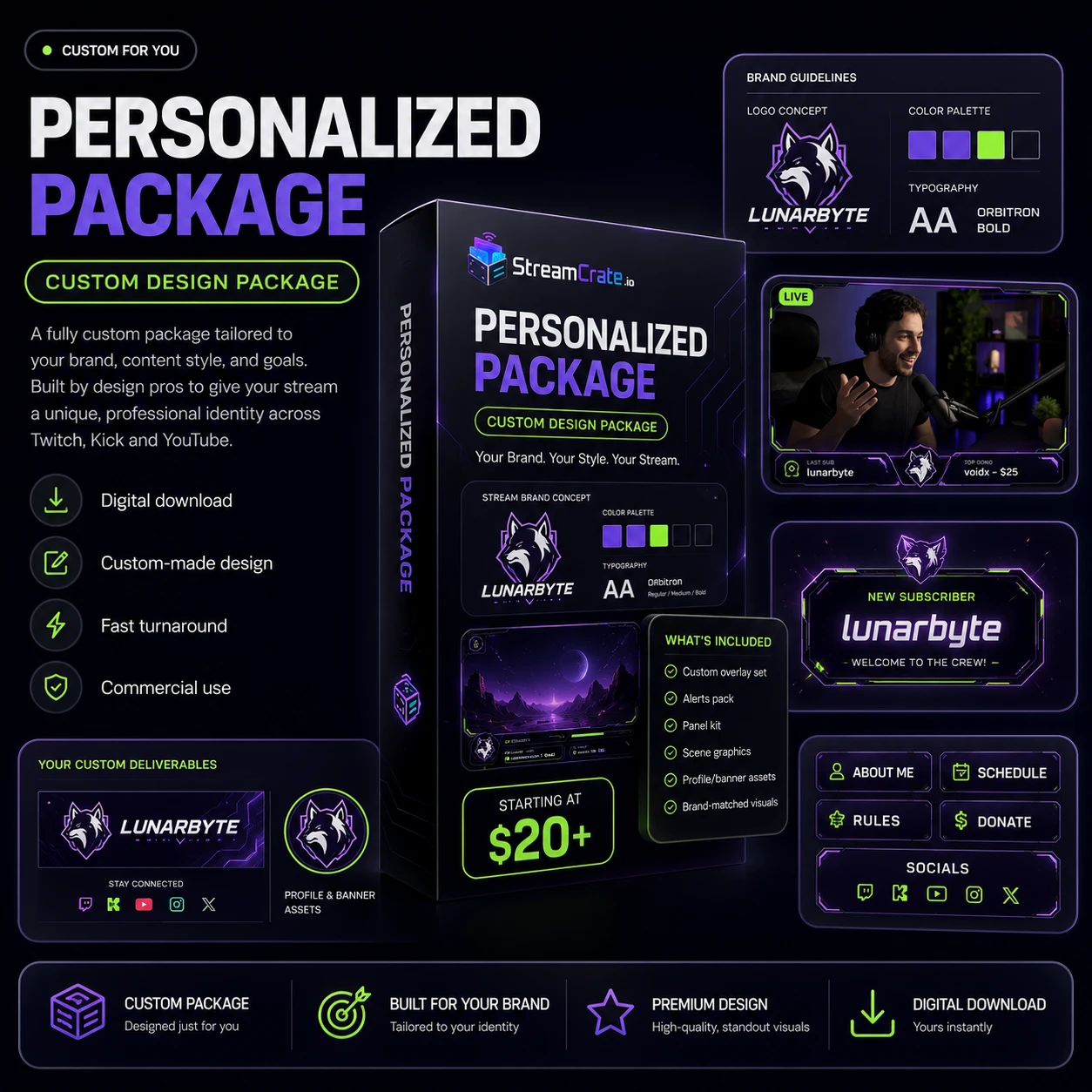 CUSTOM / 06
- Brief + scope review
- Focused deliverable plan
- Price confirmed by email
A focused custom starting point for a stream need that does not fit a fixed crate.
Add to cart+Still deciding where to start?
Share a screenshot of the current setup and the next live date.
Ask StreamCrate